



For schools and trusts · Filtering for KCSIE

Keep Every
Classroom
Connected.

Specialist broadband with KCSIE-ready filtering, hosted phones for the school office and backups you can count on. All explained in plain English.

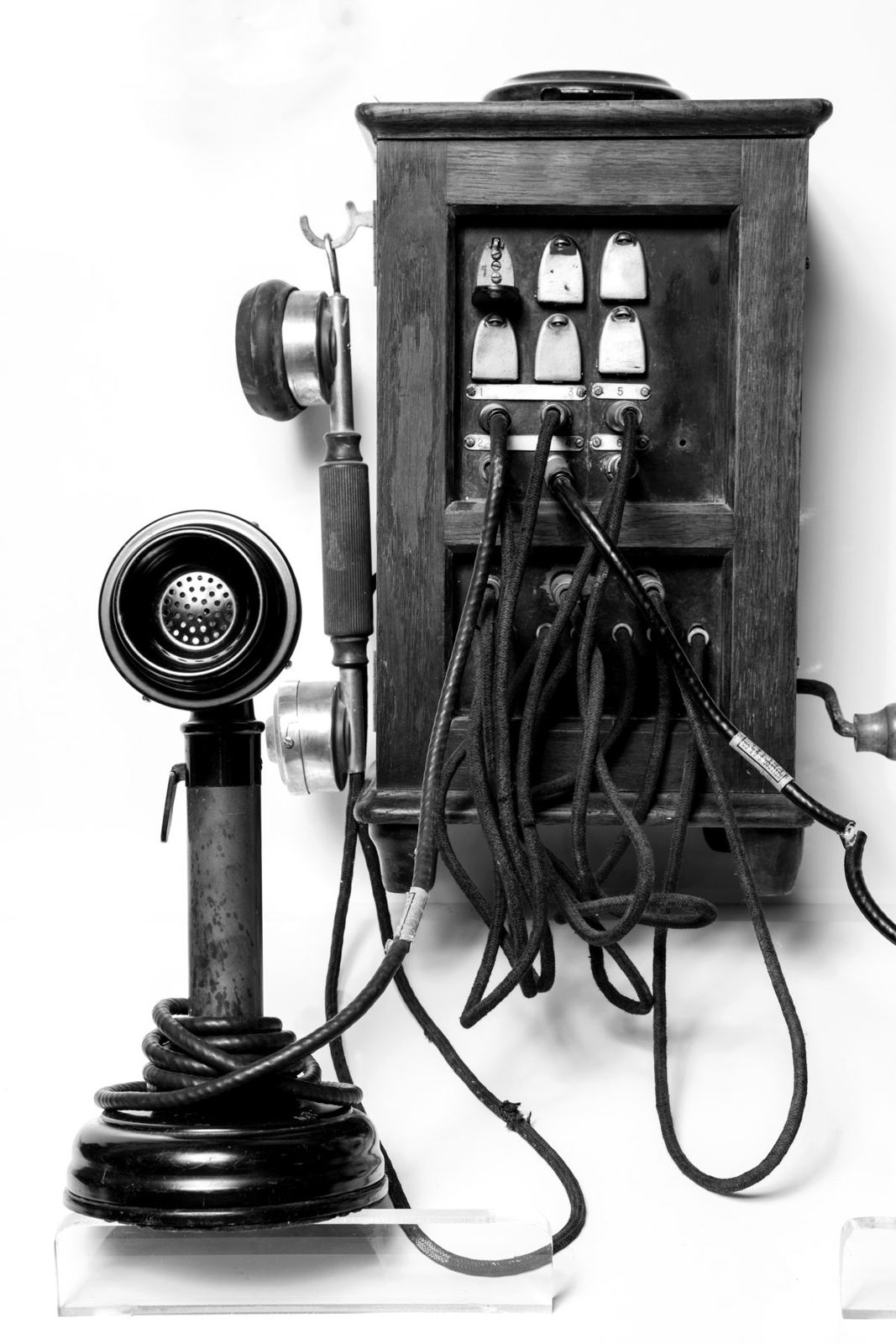
Antique wall telephone with a switch box
ThenOne phone for the whole school
Filtering for KCSIE

Safe by Default.
Set Up for Your School.

Our filtering is set up around Keeping Children Safe in Education and the UK Safer Internet Centre’s categories. Pick a user group, then tap any category to see what they would see.

1. Who’s browsing?
2. Always blockedLocked for every group
3. Your school’s choice
Age-appropriate

Different policies for younger pupils, older pupils and staff.

Hard to get around

Blocks VPNs, proxies and other ways around the filter.

Clear reports

Logs your DSL can review, and evidence for your annual check.

No overblocking

Safe, without getting in the way of teaching and learning.

Categories follow the UK Safer Internet Centre’s appropriate filtering definitions (2025).

Phones + MIS integration

Know Who’s Calling.
Before You Answer.

When a parent rings, their name appears on the phone and their child’s profile opens on the office PC, straight from your MIS. Try it.

School office09:14
School MIS · Pupil profileIdle

Everything Your
School Needs.

Broadband With Filtering

A specialist internet service for education: fast, reliable connections together with filtering and protection set up for schools.

  • Connections chosen from our bank of carriers
  • Filtering set up around KCSIE and the DfE standards
  • Different policies for pupils and staff
Talk to us about broadband
01
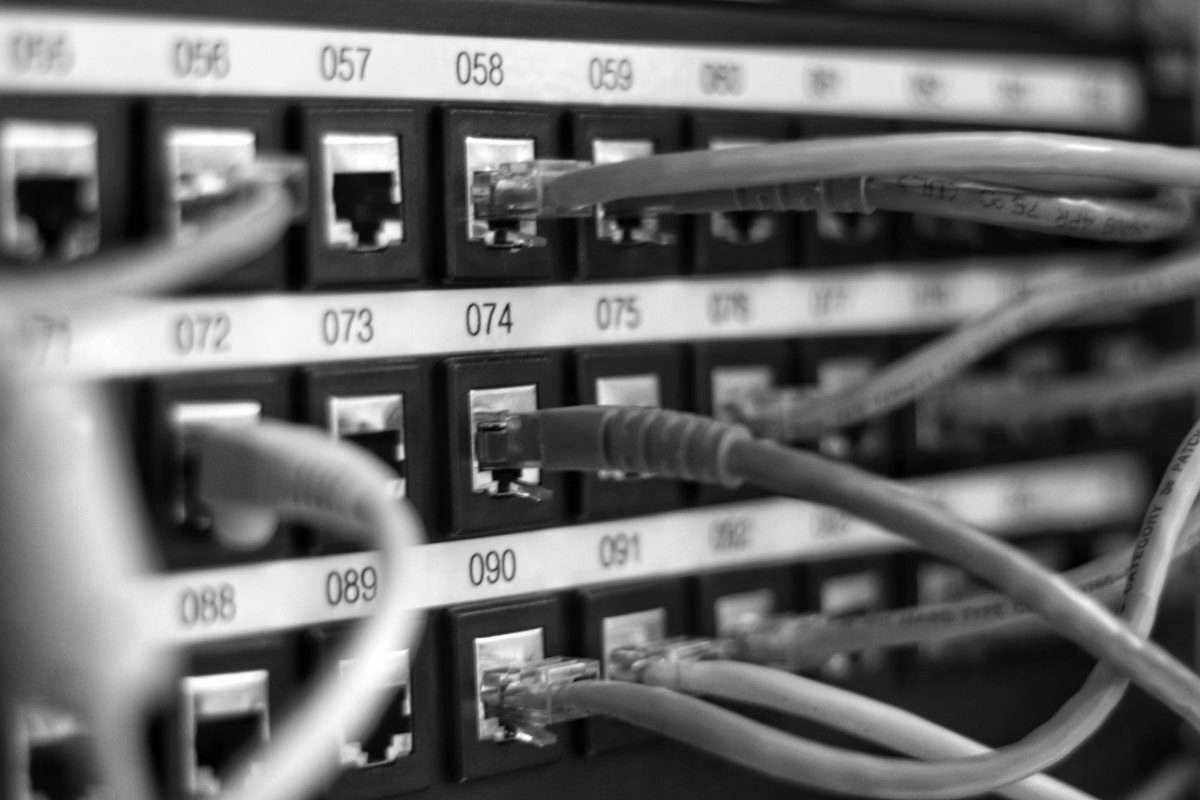
Network cables patched into a switch
Installs & infrastructure

Wired Right.
Connected Everywhere.

We design, install and manage the networks, cabling and fibre your school runs on, across one building or a whole trust.

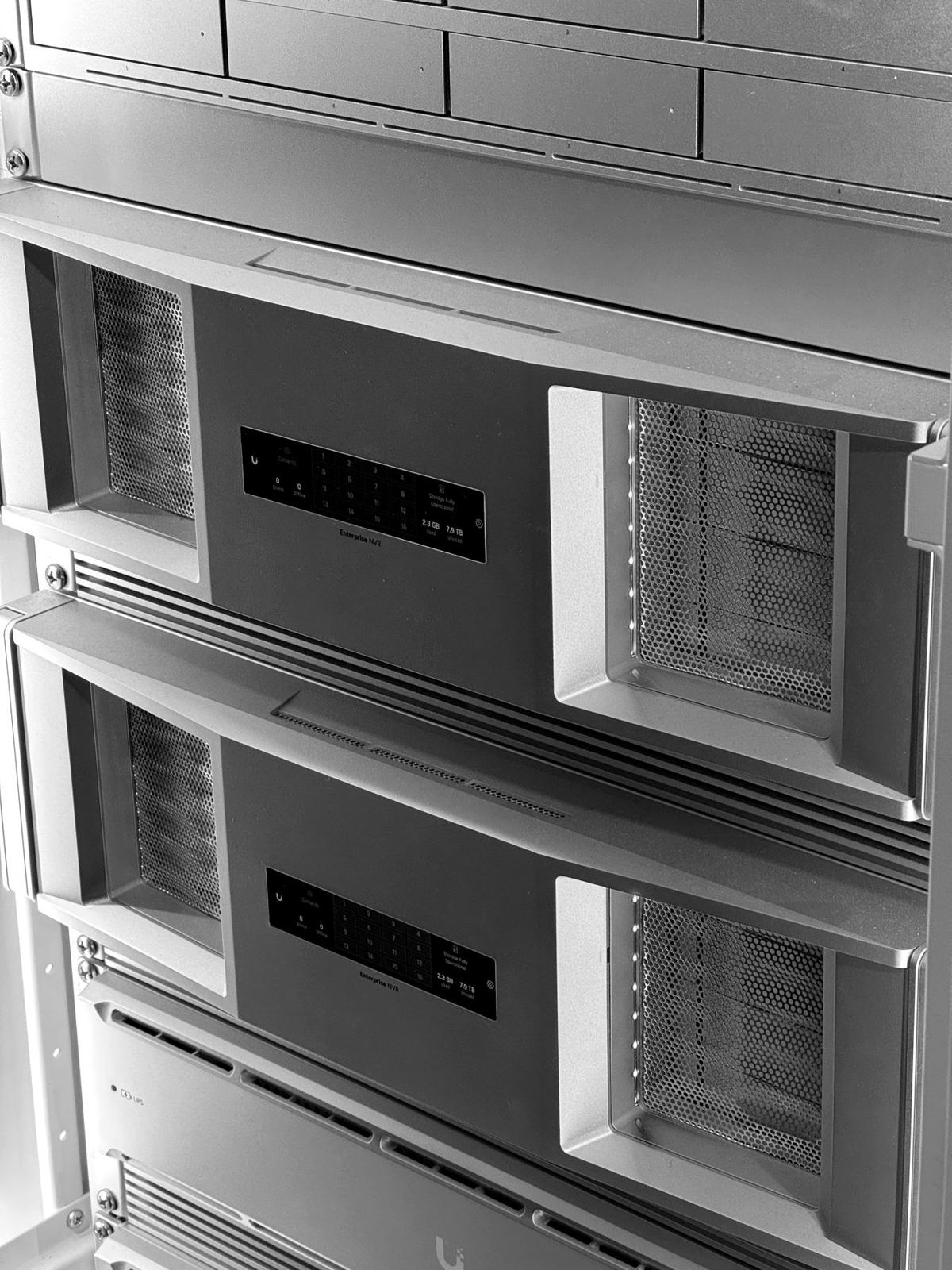
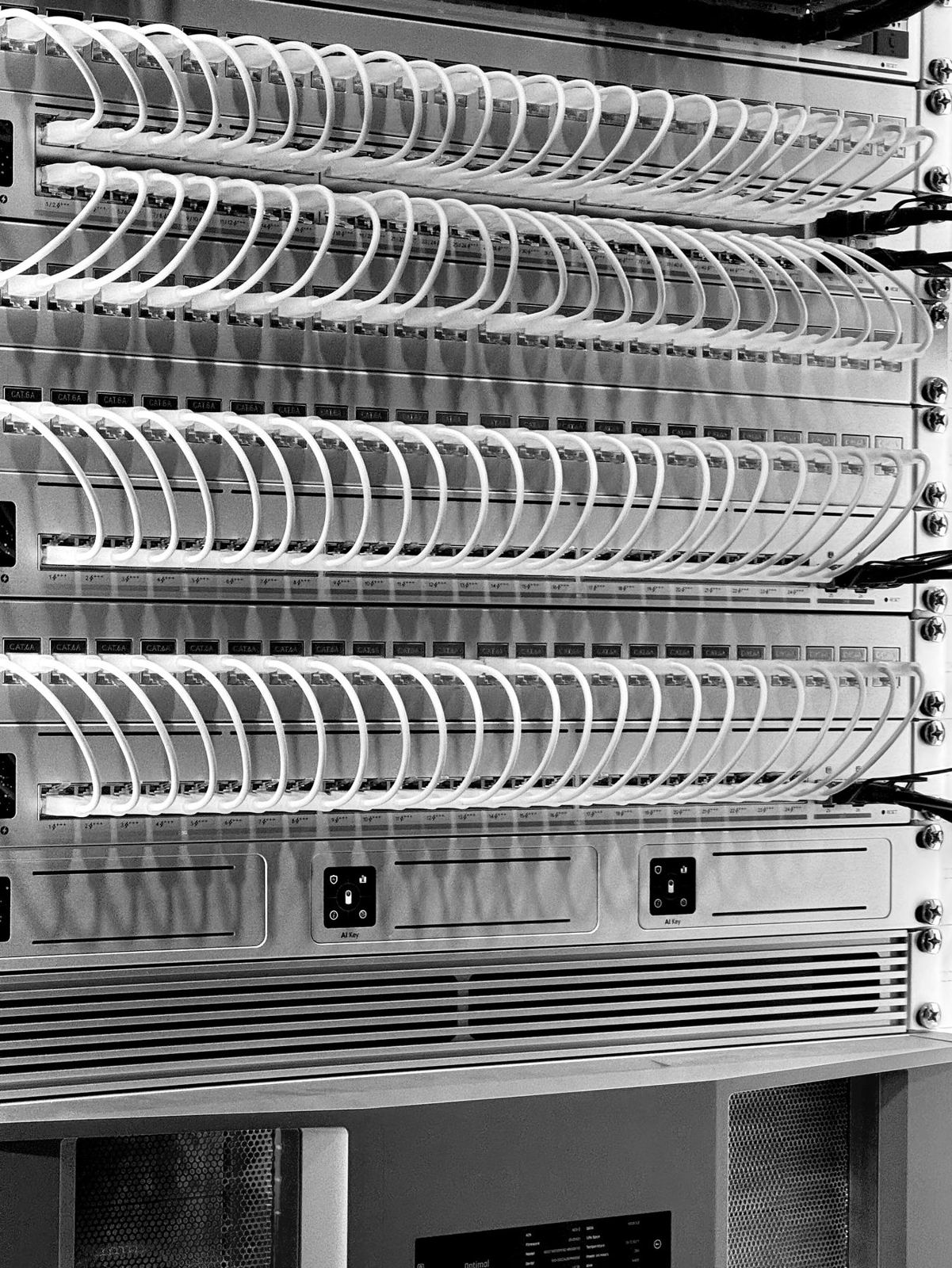
Neatly patched network switches in a rack
Switches to access points

Managed Networks

Fully managed school networks, from core switches to WiFi access points in every classroom, hall and office.

  • Network switches and WiFi access points
  • Separate staff, pupil and guest networks
  • Works alongside your KCSIE filtering
Talk to us about your network
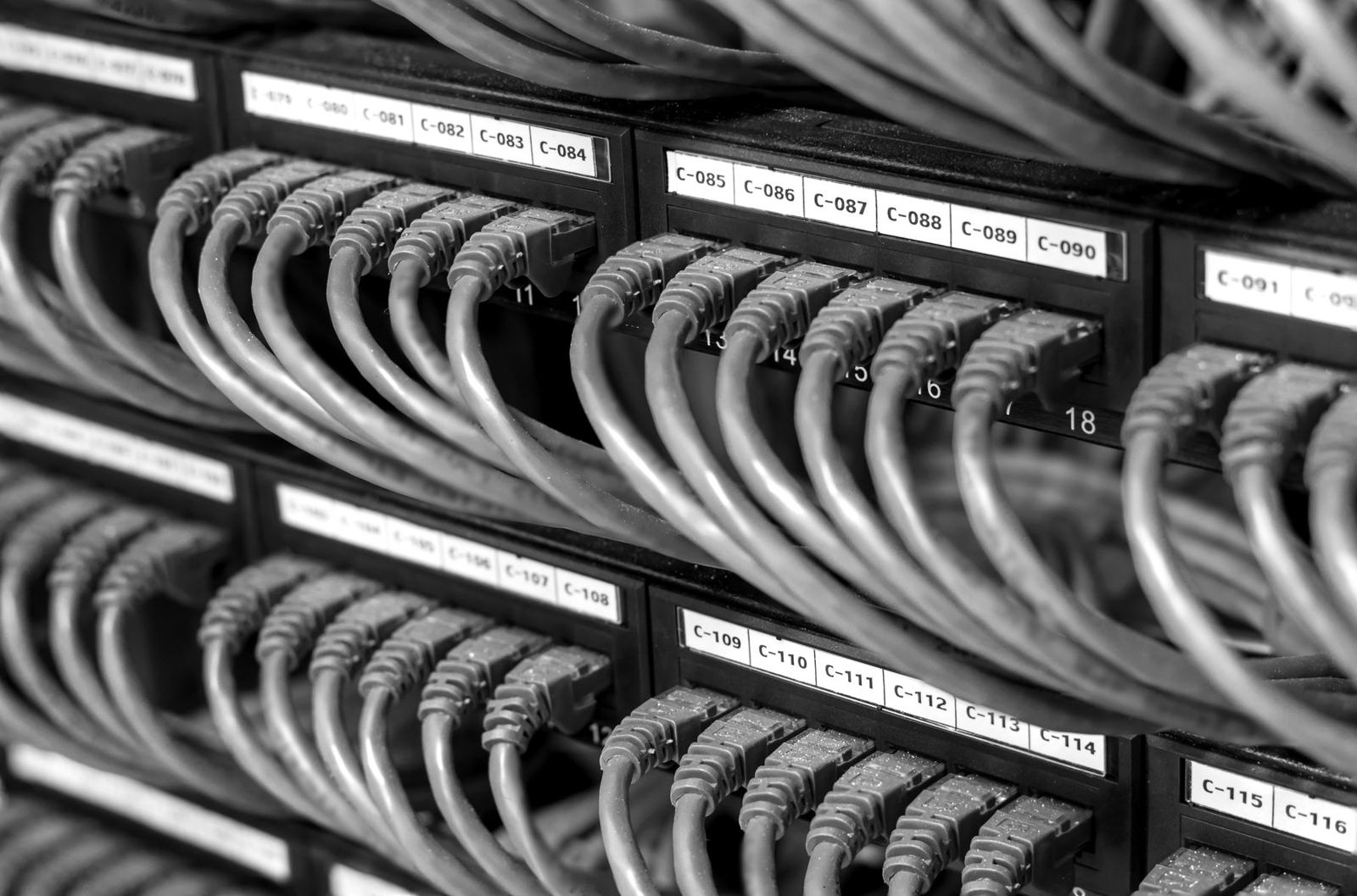
Numbered patch panel with network cables
Structured cabling

Network Cabling

Cabling done neatly and properly, from a few new data points to a whole building.

  • New installs, moves and upgrades
  • Cabinets, patching and data points
  • Tidy, labelled and tested
Talk to us about cabling
Fibre optic splicing machine on a workbench
Our own splicing team

Fibre & Splicing

Fibre links between buildings and across sites, installed and spliced by our own in-house team.

  • Our own fibre splicing team
  • Links between buildings and sites
  • One team from install to splice
Talk to us about fibre
How it works

Built Around Your School.

01
We listen

Tell us how your school works and what’s getting in the way.

02
We tailor

Our engineers build a solution to fit your individual needs.

03
We look after it

Set-up, deployment and ongoing support from one team.

Questions Schools Ask.

Does your filtering meet KCSIE?

Our filtering is set up to help you meet Keeping Children Safe in Education and the DfE filtering and monitoring standards, blocking the categories defined by the UK Safer Internet Centre.

Can we have different rules for pupils and staff?

Yes. You can have age-appropriate policies for different year groups and a separate policy for staff.

What happens to our phone lines in the switch-off?

Old analogue and ISDN lines are being retired. We’ll move you to a hosted system and plan it around the school day.

Can you work alongside our IT provider?

Yes. We look after your connectivity, filtering and phones and are happy to work with your existing IT team.

How do we get support?

Call 01234 581060 or email [email protected] and you’ll reach our Bedford team. Support is open 8:30am to 5:30pm, with a 24/7 emergency support line.

Let’s Talk About
Your School.

Get in touch